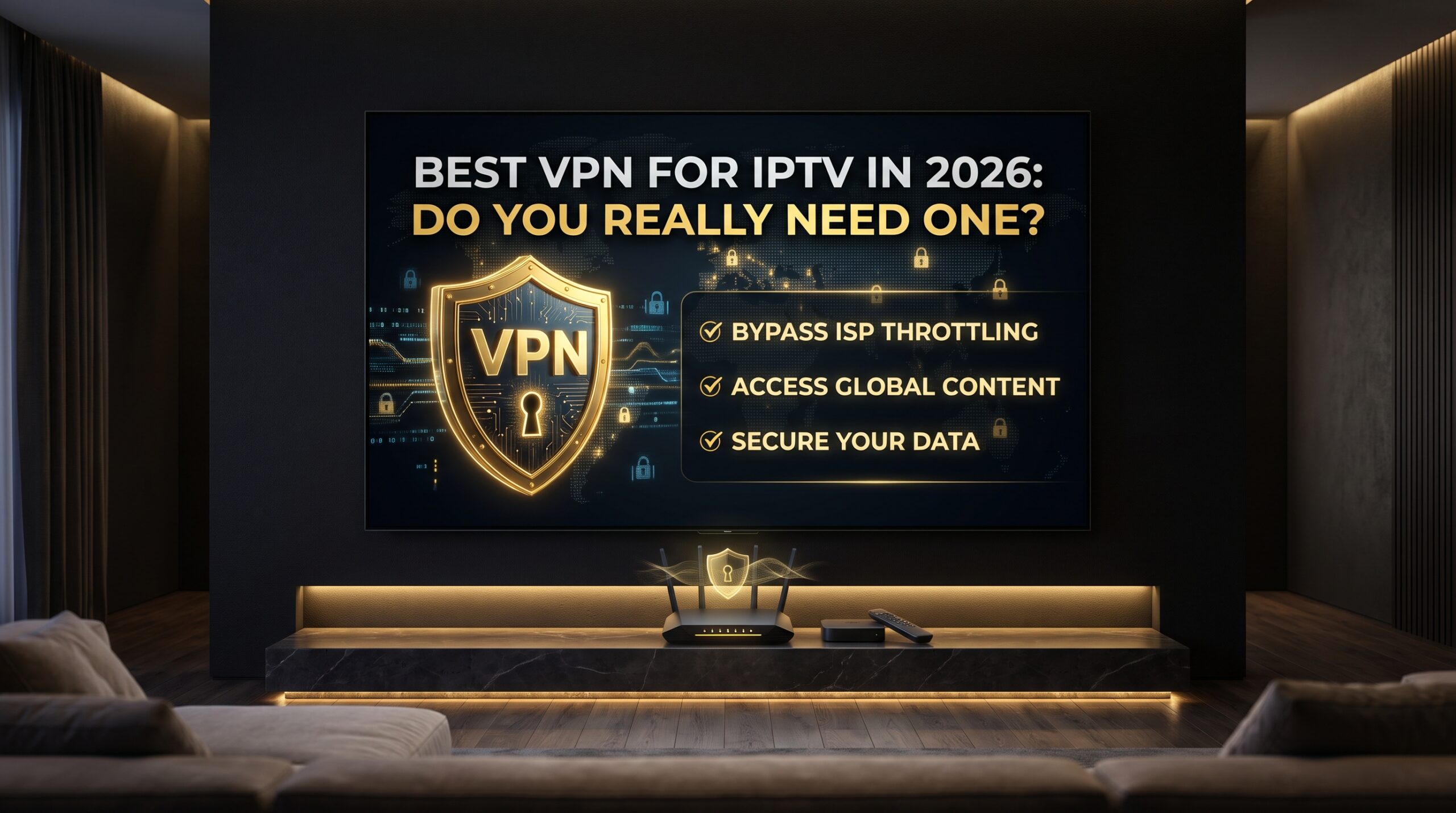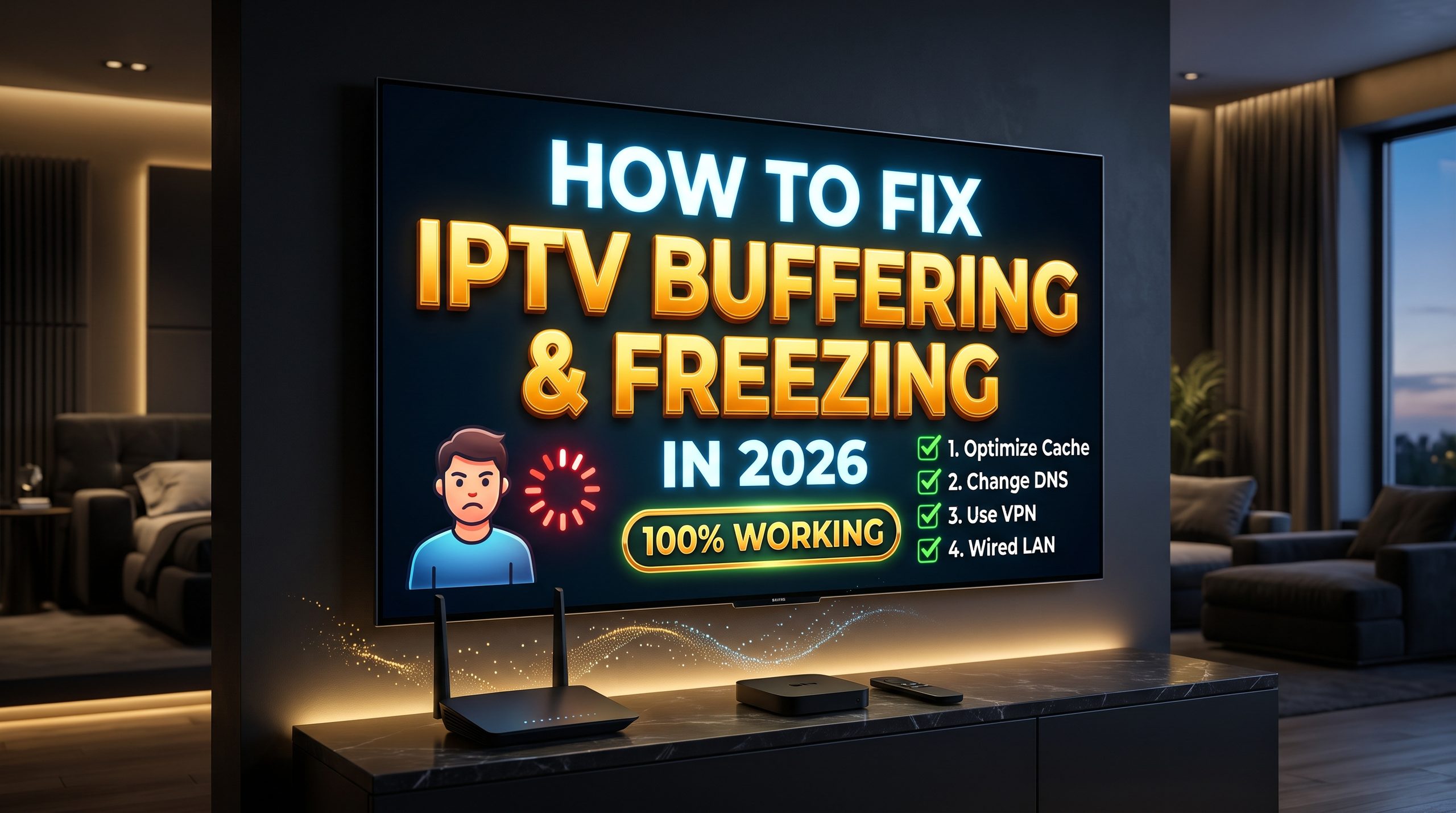
A VPN is often recommended with IPTV, but the honest answer is more nuanced: you do not always need one, but it can be useful for privacy and for certain buffering or throttling problems. If your streams work perfectly without a VPN, there is no reason to add one just because someone told you to.gizmodo+1
This guide explains when a VPN helps, when it does not, and how to choose one that will not make your IPTV experience worse.
Table of Contents
Why people use a VPN with IPTV
A VPN encrypts your connection and routes it through a server in another location. That means your internet provider generally sees the VPN connection rather than the specific streaming destination inside it. It can also hide your real IP address from websites and services you visit.pcmag+1
For IPTV users, the main reasons are:
- Privacy: A VPN can limit what your ISP can directly observe about your streaming activity. It does not make you anonymous to your VPN provider or to any service you sign into.pcmag+1
- Throttling: If an ISP slows video traffic based on its type or destination, a VPN may prevent it from identifying that traffic.le-vpn+1
- Routing: In some cases, a VPN can provide a more direct route to a streaming host, which may reduce buffering.reddit
- Public Wi‑Fi: A VPN adds a layer of protection when you stream on hotel, café or airport networks.le-vpn
When you do not need a VPN
If your IPTV service already works smoothly on your home network, adding a VPN may not improve anything. A VPN adds an extra hop, which can increase latency and reduce speed, especially if you connect to a distant server.pcmag
You probably do not need a VPN if:
- Your streams play smoothly at peak times.
- You have no concerns about ISP visibility.
- Your provider supports your normal connection.
- Buffering only happens on one channel or one device.
- Your home Wi‑Fi is weak or your device is overloaded.
In those cases, fixing Ethernet, Wi‑Fi, cache or device performance is more effective than adding a VPN.
When a VPN can help
A VPN is most useful when the problem follows a clear pattern:
- IPTV buffers only during peak hours.
- Other streaming services work, but IPTV freezes.
- The same channel improves when you connect to a VPN.
- Your ISP appears to slow video traffic.
- You are travelling and want a more private connection on public Wi‑Fi.gizmodo+2
If that sounds familiar, test the same channel with and without a VPN. If performance improves consistently, you may have found the cause.
What makes a good IPTV VPN?
Do not choose a VPN based on marketing alone. For IPTV, speed and stability matter as much as privacy.
Look for:
- Fast, modern protocols such as WireGuard-based options.
- Nearby servers with low latency.
- Consistent performance during peak hours.
- A clear privacy policy, ideally independently audited.
- Support for your device, whether that is Firestick, Android TV, Smart TV or router.
- A simple app that reconnects reliably after a router restart.gizmodo+1
Popular choices include NordVPN, Proton VPN, ExpressVPN, Private Internet Access and Surfshark. Each has different strengths, so test the one you choose on your own connection before committing to a long plan.gizmodo+1
How to test a VPN properly
Do not change several settings at once. Follow this simple process:
- Play the same channel without a VPN.
- Note when buffering happens.
- Connect to a nearby VPN server.
- Close and reopen your IPTV player.
- Play the same channel again.
- Compare the results.
If the VPN improves playback, try one or two other nearby servers to confirm the improvement. If it makes things worse, disconnect it and investigate your home network or provider instead.reddit
Important limitations
A VPN cannot fix every IPTV problem. It will not repair an overloaded server, a weak Wi‑Fi signal, an old streaming device or a poor-quality source feed. It also does not make you anonymous to your VPN provider or to any account you sign into.pcmag+1
Some streaming services also block known VPN IP ranges. If that happens, try another server or contact the provider’s support team.pcmag+1
Final verdict
Do you really need a VPN for IPTV in 2026? Not always. Use one if privacy matters to you, if you suspect ISP throttling, or if testing shows that it improves your connection. Otherwise, focus on Ethernet, Wi‑Fi quality, cache clearing and a properly managed IPTV provider.gizmodo+2
A VPN is a useful tool, but it is not a magic fix. Test it properly, choose a nearby server, and let real playback—not marketing claims—decide whether it belongs in your setup.